HumanKind
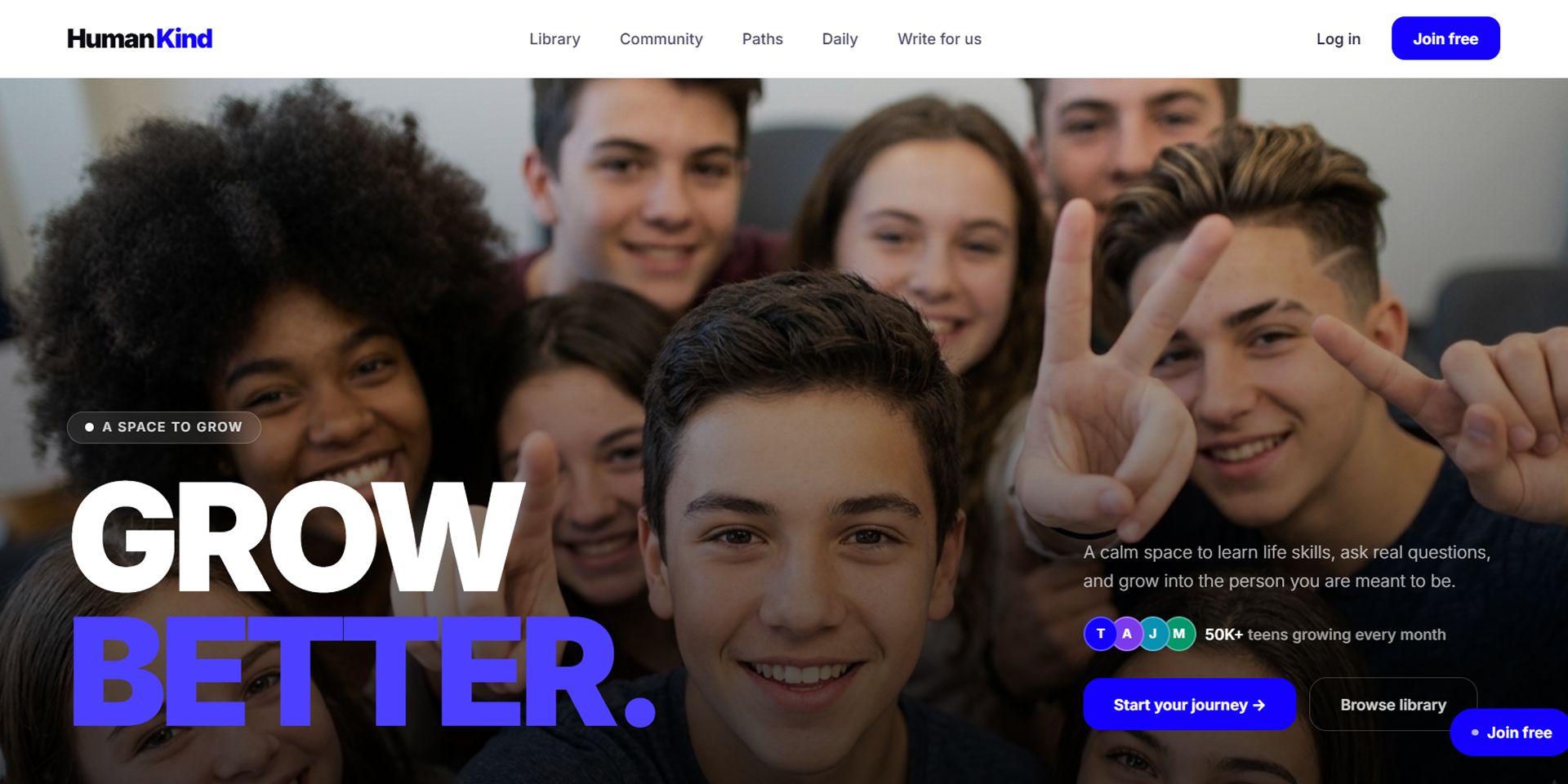
A full-stack platform helping teenagers (13–19) learn real life skills — through a curated article library, anonymous community Q&A, structured growth paths, and daily reflection prompts. Built solo in 5 days, no Figma.
Project Overview
Overview
A full-stack platform helping teenagers (13–19) learn real life skills, through a curated article library, anonymous community Q&A, structured growth paths, and daily reflection prompts. Built solo in 5 days, no Figma.
Pain Point
There's no shortage of content for teenagers online. There's a severe shortage of content built for them, structured, safe, and actually relevant to what they're navigating: anxiety, identity, friendships, money, career. Social media gives them noise. HumanKind gives them signal.
Solution
HumanKind is a purpose-built editorial platform that treats teenagers like they're capable of real growth. A library of curated life-skills content. A community where they can ask hard questions anonymously. Growth paths that guide them step by step. A daily prompt that gives them something worth thinking about.
Behind the scenes, a full admin system lets editors publish articles, review contributor submissions, schedule prompts, and moderate flagged content, all without touching the database.
Timeline: 5 days — zero to deployed, production-ready platform.
Background
Most platforms targeting teenagers are built around engagement, likes, trends, watch time. The goal is to keep them scrolling, not to help them grow. The few resources that do exist are either buried in school curriculum or locked behind paywalls designed for adults.
HumanKind was built on a different premise: teenagers are capable of serious self-development if you meet them where they are and give them the right tools. Not lectures. Not textbooks. A library, a community, a path, and a daily question worth sitting with.
Description
HumanKind is a full editorial and community platform with five core surfaces:
- —Library — curated articles and guides organised by life-skills category (emotions, confidence, money, identity, career, and more)
- —Community — anonymous Q&A forum where teens can ask anything and get structured responses from peers
- —Growth Paths — step-by-step learning journeys (e.g. Confidence Building, Handling Anxiety, Career Exploration) with locked/unlocked step progression
- —Daily Prompt — a single question, challenge, or reflection published each day, with an upvote-ranked response feed
- —Contributor workflow — a public submission form where anyone can pitch an article; admins review, approve, request edits, or reject via a dedicated queue
The admin system is completely invisible to regular users, the link only appears in the navbar for accounts with role = 'admin', and every admin route is protected server-side.
Technical Approach
Editorial-first, database-backed.
The UI was designed to always look populated, every page has a mock data fallback that activates when no real database records exist. This means the platform can be demoed, shared, and iterated on before any real content is published. Real Supabase data takes over automatically once records exist.
Auth is handled entirely by Supabase, session management, email confirmation, and row-level security policies on every table. Role-based access (user, contributor, admin) is enforced both in the middleware and at the server component level on every protected page.
The design system was built without Figma, directly in Tailwind CSS with a custom token set: electric blue (#1300FF) as the brand color, a warm near-black neutral scale, Inter for all typography, and a set of CSS keyframe animations including a dual-direction infinite marquee.
The Process
1. Define the platform surfaces first
Before writing any code, the five core user surfaces were defined: Library, Community, Paths, Daily, Profile. Each maps to a clear user need. The admin surfaces mirror them exactly, one admin section per public surface.
2. Build the design system in code
Custom Tailwind tokens, global CSS animations, a responsive padding convention, and a reusable dark hero pattern established before any page was built. Every page inherits from this system, consistency without a component library.
3. Ship every page with mock data
Each page was built with hardcoded mock arrays that serve as both placeholder content and visual specification. The mock data is realistic, full article bodies, multi-step path arrays, comment threads, so the UI could be reviewed and refined before Supabase was connected.
4. Connect Supabase end to end
Schema designed with row-level security on every table, a trigger to auto-increment comment counts, seed data for initial paths, and a submissions table for the contributor workflow. The frontend switches from mock to live data automatically once the environment variables are set.
5. Build the admin system
A dark sidebar admin shell with role guards at every layer, middleware, layout, and page level. Five admin sections: Articles, Submissions, Daily, Reports, Paths. Admin is invisible to regular users at every level.